VeoAI
AI EDUCATION TOOL 2026

AI Educational Video Generator & Course Creator

Transform complex lessons into engaging, professional videos in minutes. Whether for online courses, classroom teaching, or corporate training, our AI helps you visualize knowledge instantly.

AI Generated

Your AI Director Assistant

Imagine having a professional video production team that works at the speed of thought. The AI Educational Video Generator isn't just a tool; it acts more like a director's assistant than a simple editor.

You don't need to manually pick stock footage, sync audio, or animate transitions. Instead, you provide the "script"—a lesson plan, a concept, or a text description—and the AI fills in the cinematic language. It understands context, selects appropriate imagery, generates clear voiceovers, and assembles the visual narrative to make your educational content digestible and engaging.

In 2026, creating high-quality course material shouldn't require mastering complex video editing software. It should be as simple as describing what you want to teach.

Empowering Every Educator & Creator

From science experiments to historical reenactments, see how AI transforms text into visual learning.

Science Explanations

Visualize complex scientific concepts that are hard to film.

Scenario Example:"Input 'The process of photosynthesis inside a leaf cell', generating a zoomed-in animation of cellular energy production."

Historical Recreations

Bring history to life with realistic scene generation.

Scenario Example:"Input 'Ancient Rome marketplace during the reign of Augustus', generating a bustling, historically accurate street scene."

Language Learning

Create immersive scenarios for vocabulary practice.

Scenario Example:"Input 'Two people ordering coffee in a Parisian cafe', generating a dialogue scene with French subtitles."

Corporate Training

Standardize onboarding and compliance training.

Scenario Example:"Input 'Office safety guidelines for fire emergencies', generating a clear, step-by-step safety protocol walkthrough."

Concept Visualization

Make abstract ideas concrete and memorable.

Scenario Example:"Input 'Visualizing the internet as a network of glowing data streams', generating a 3D data visualization."

Course Intros

Hook students instantly with cinematic trailers.

Scenario Example:"Input 'Epic trailer for a Digital Marketing Masterclass', generating a high-energy montage with text overlays."

Real AI-Generated Course Examples

AI Generated

Biology Lesson: DNA Structure

Prompt

"Cinematic 3D animation of a DNA double helix rotating slowly, blue and purple lighting, educational style, clear focus."

Result

A professional-grade 3D animation that perfectly illustrates the structure of DNA, suitable for high school biology classes.
AI Generated

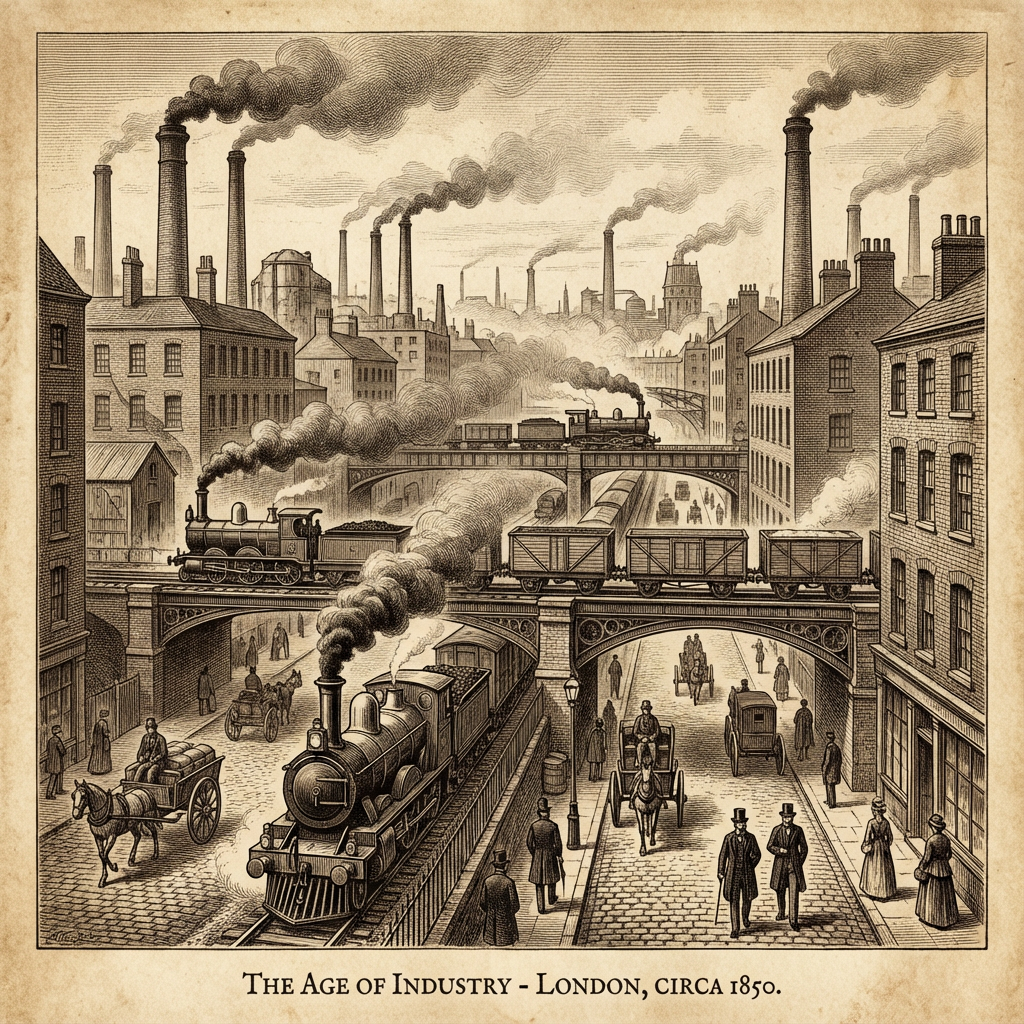
History: Industrial Revolution

Prompt

"Steam trains moving through a 19th-century industrial city, smoke stacks, sepia tone, historical documentary style."

Result

An atmospheric historical clip that sets the mood for a history lesson, providing visual context that textbooks cannot match.
AI Generated

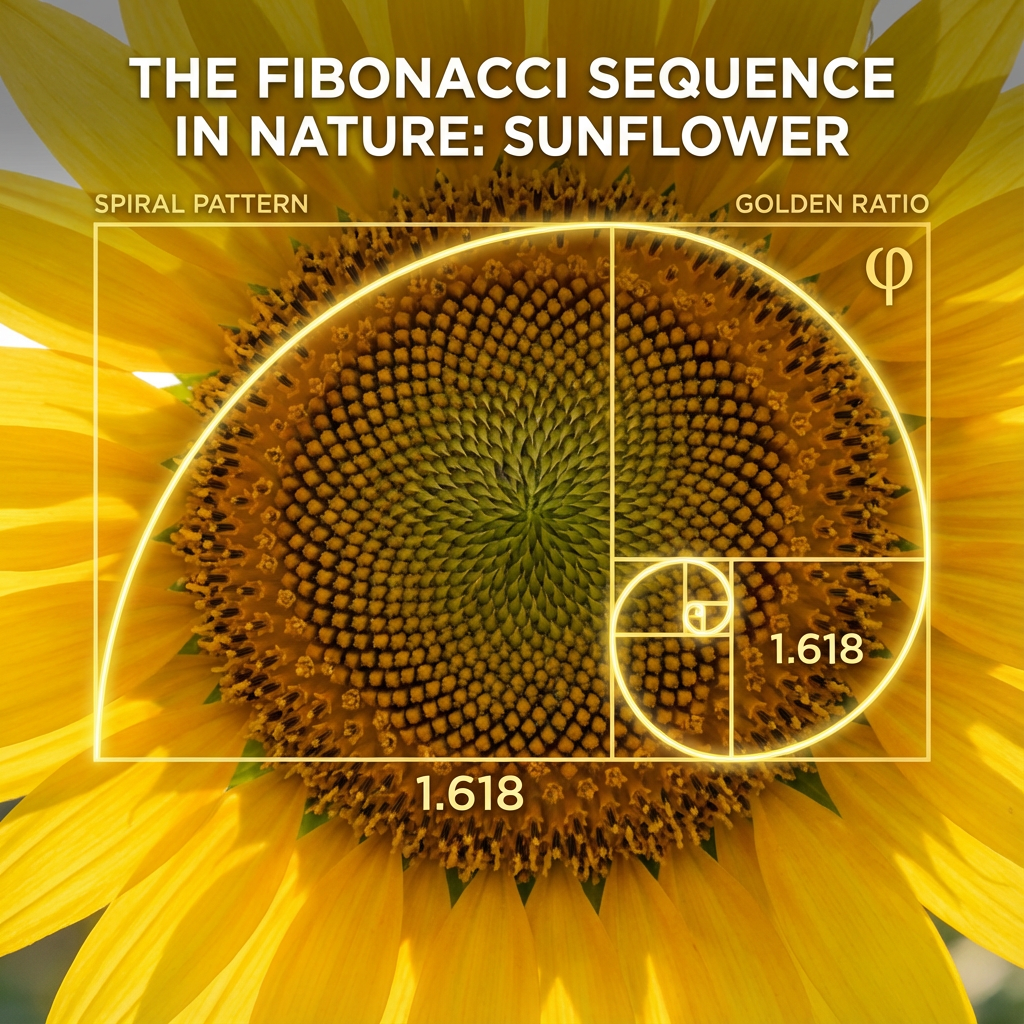
Math: Geometry in Nature

Prompt

"Fibonacci spiral appearing in a sunflower, golden ratio visualization, smooth transition, bright natural lighting."

Result

A beautiful, mesmerizing visualization connecting abstract math concepts to the real world, engaging students visually.

Create Your First Course Video in Minutes

1. Open the Educational Video Tool

Navigate to veoaivideo.com/course-video or click the 'Try it' button to access the dedicated creator interface.

2. Choose Your Mode

Select between 'Text-to-Video' for generating from scratch or 'Image-to-Video' if you have diagrams or slides you want to animate.

3. Input Your Lesson Content

Enter your prompt describing the scene, or upload your lesson script/materials. Be specific about the subject matter and desired visual style.

4. Configure Settings

Set the video duration, aspect ratio (16:9 for desktop courses, 9:16 for mobile learning), and choose a narrator voice that fits your topic.

5. Click Generate

Hit the generate button and let our AI director assemble your video. It usually takes just a few minutes to render a high-quality clip.

6. Download & Edit

Preview your video. If satisfied, download it directly. You can also import it into your favorite editor for further customization or combine multiple clips into a full lesson.

Invest in Better Education

Whether you're testing the waters or building a full curriculum, we have a plan for you.

"If you are just testing the model capabilities, our free credits are sufficient. However, if you are serious about creating a YouTube channel, advertising materials, or a full online course, you will find our professional plans offer the volume and speed you need."

See Full Pricing on /pricing

Frequently Asked Questions

    AI Educational Video Generator & Course Video Creator | Free Tool 2026 | AI Video Generator -